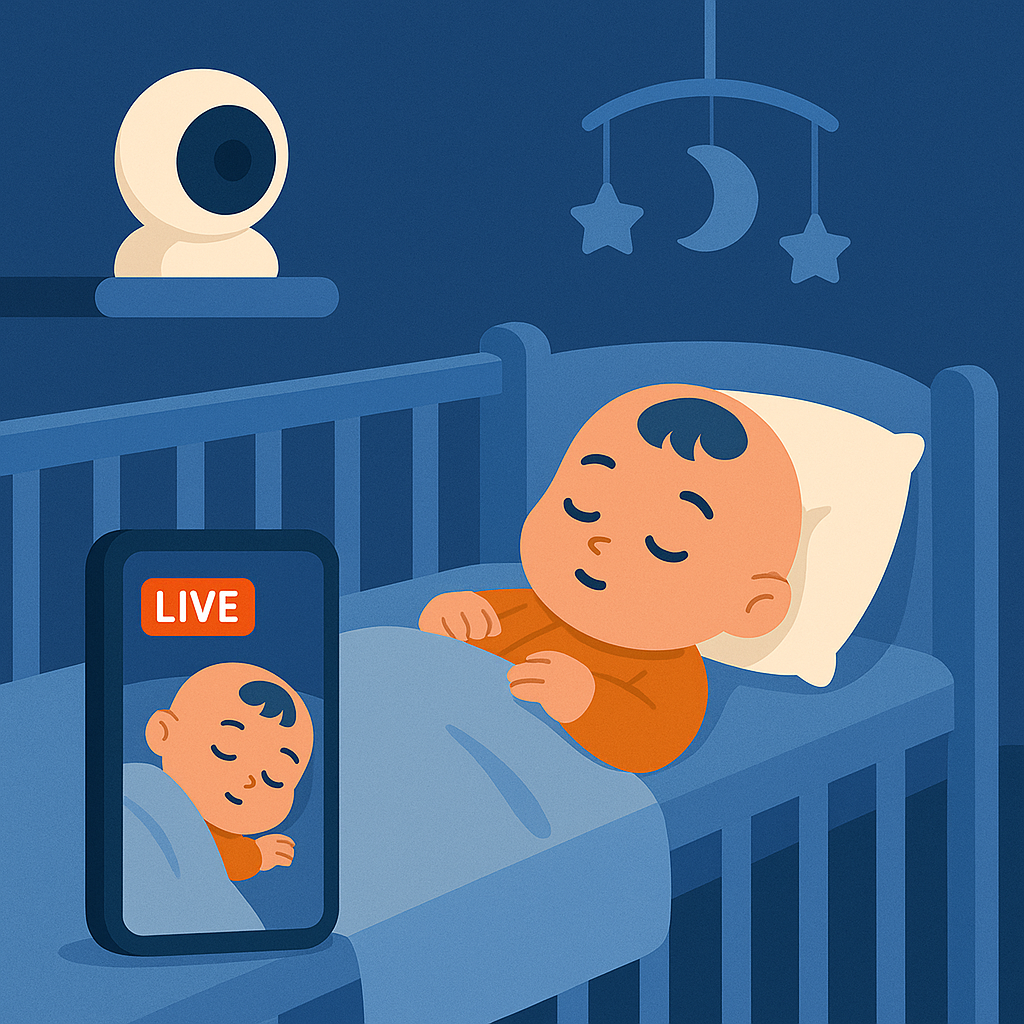
Baby Monitor
Transform any device into a baby monitor with AI-powered sleep detection and instant alerts.

Turn any phone or camera into a smart monitoring system — join our free early access and start using it today.
Works with phones, tablets, RTSP cameras — set up in minutes.
By continuing, you agree to our Privacy Policy and Terms of Service
From home security to business monitoring
Transform any device into a baby monitor with AI-powered sleep detection and instant alerts.
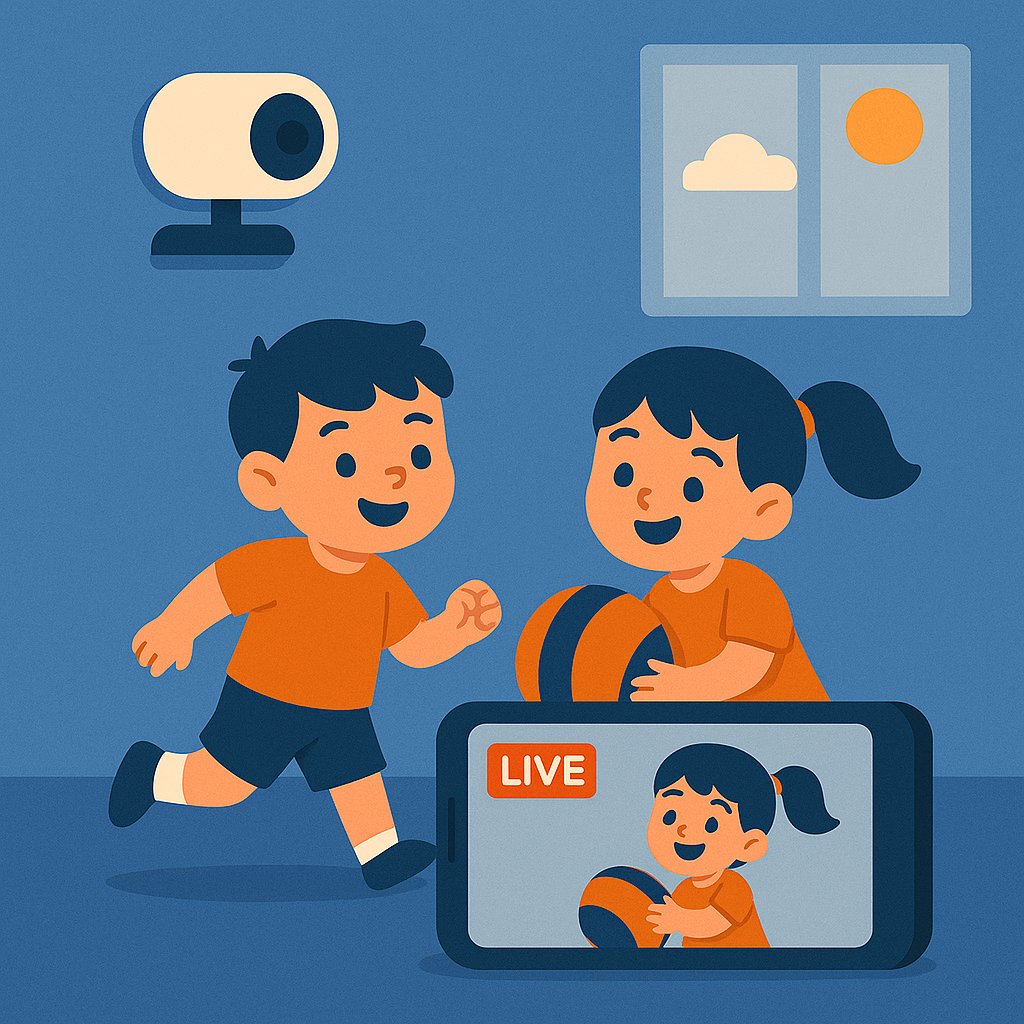
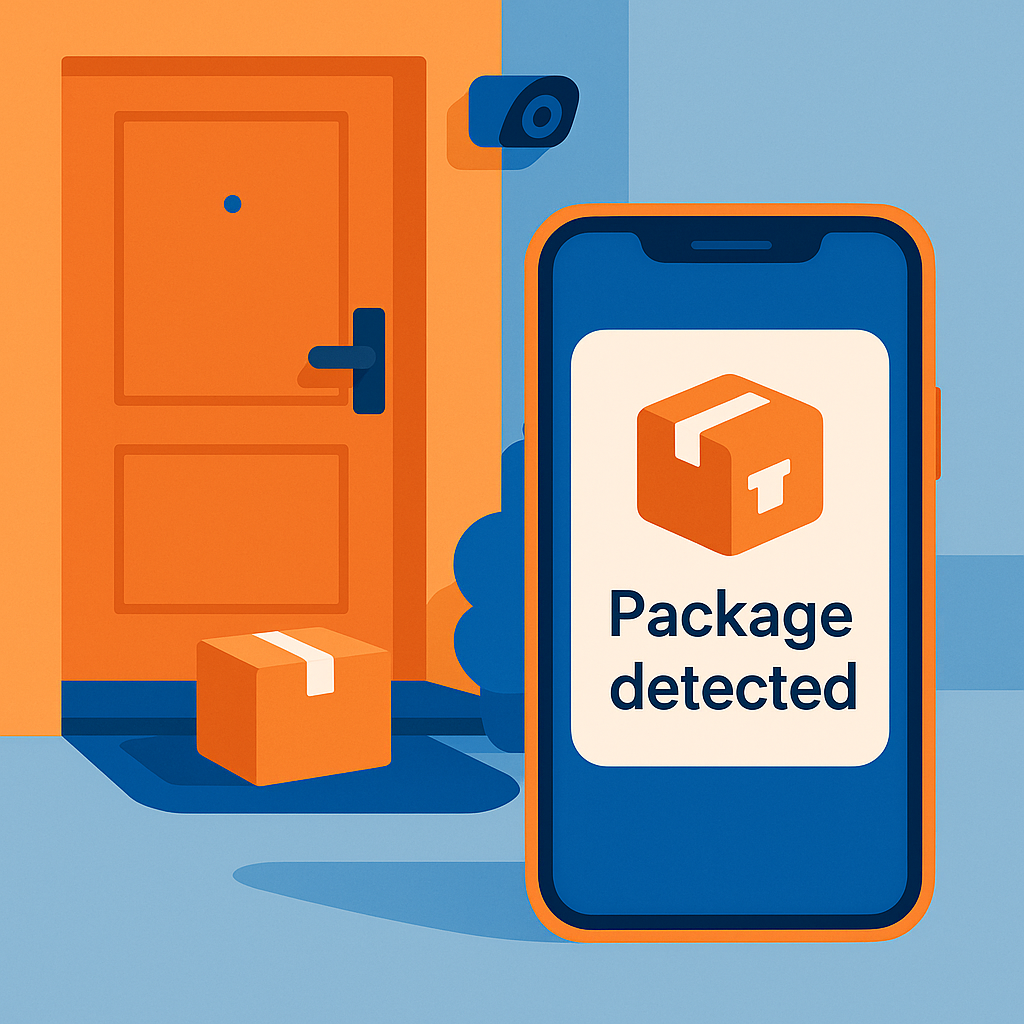
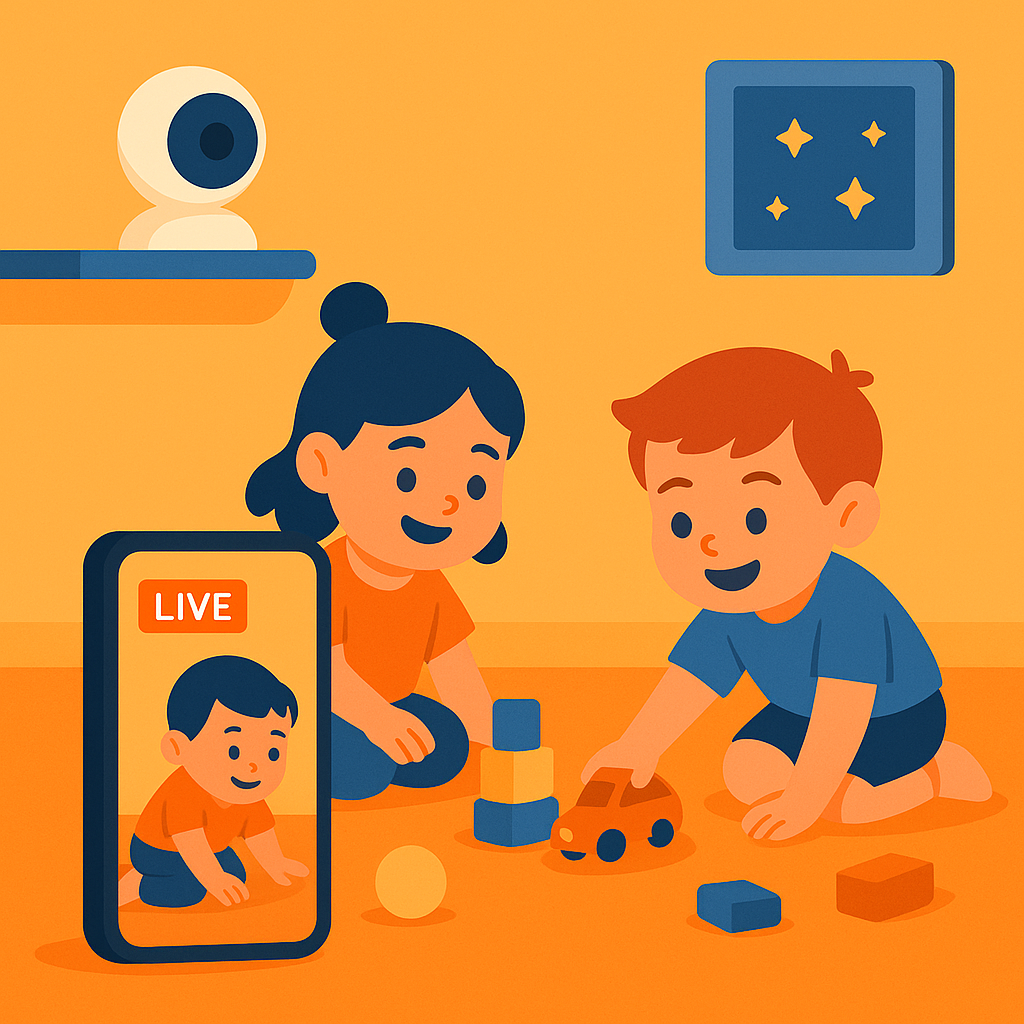
Monitor playrooms and keep an eye on your children while they play, with real-time notifications.
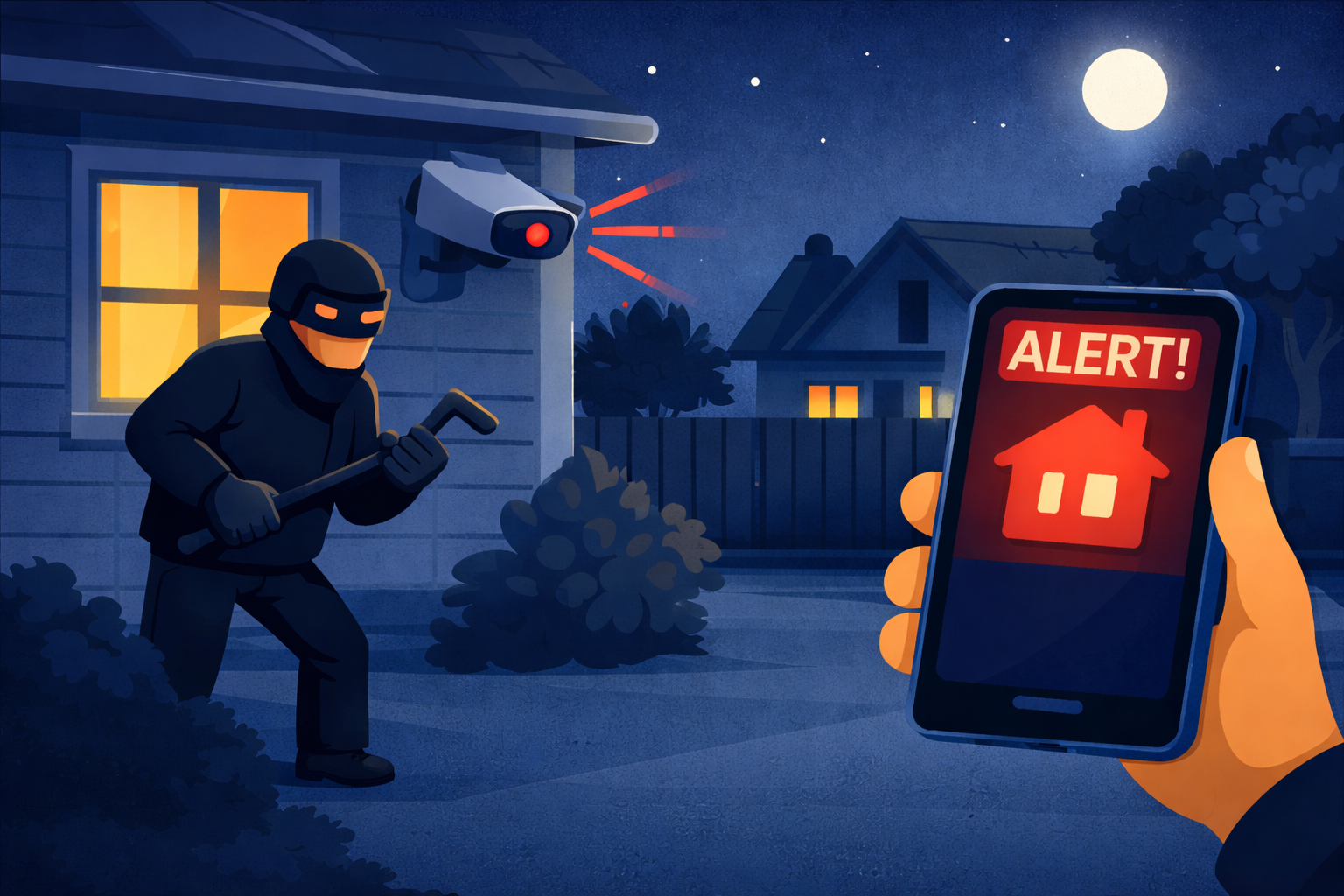
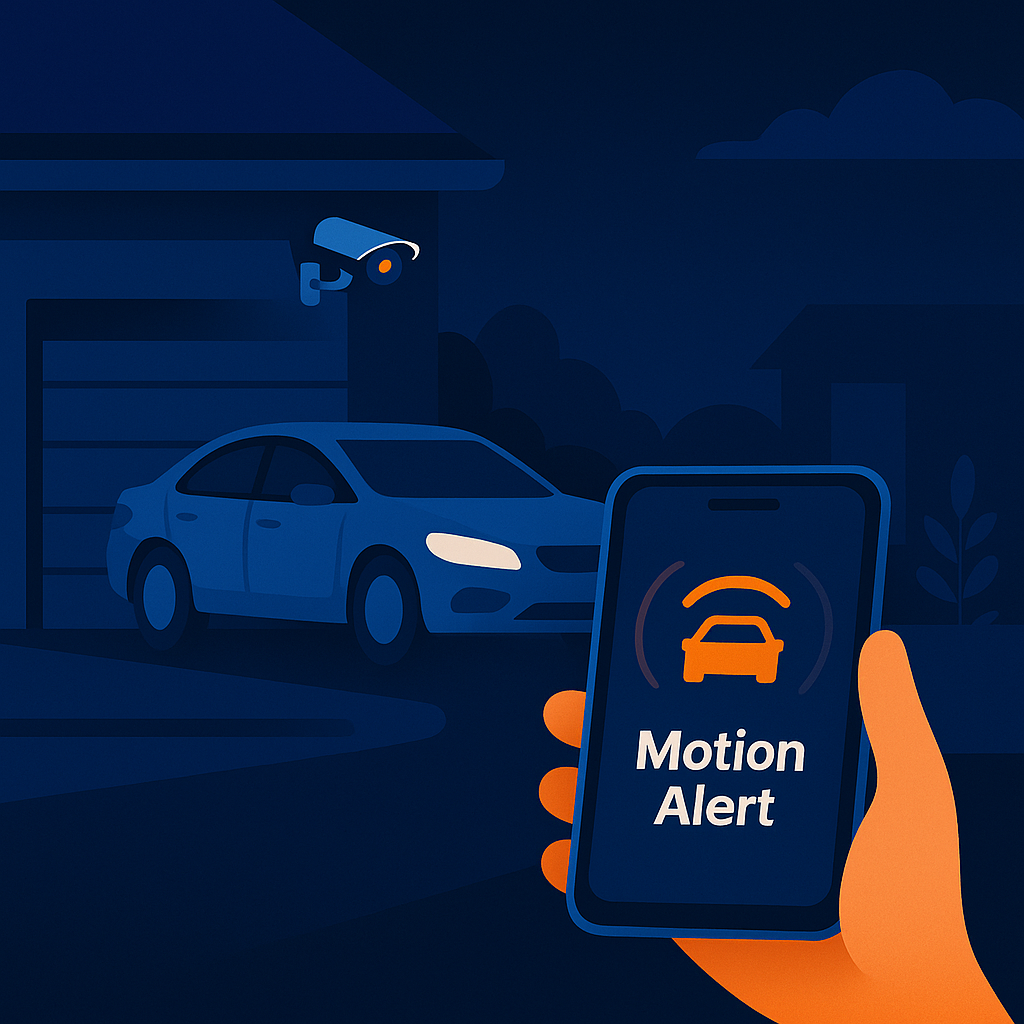
Protect your home with intelligent motion detection and instant alerts for peace of mind.
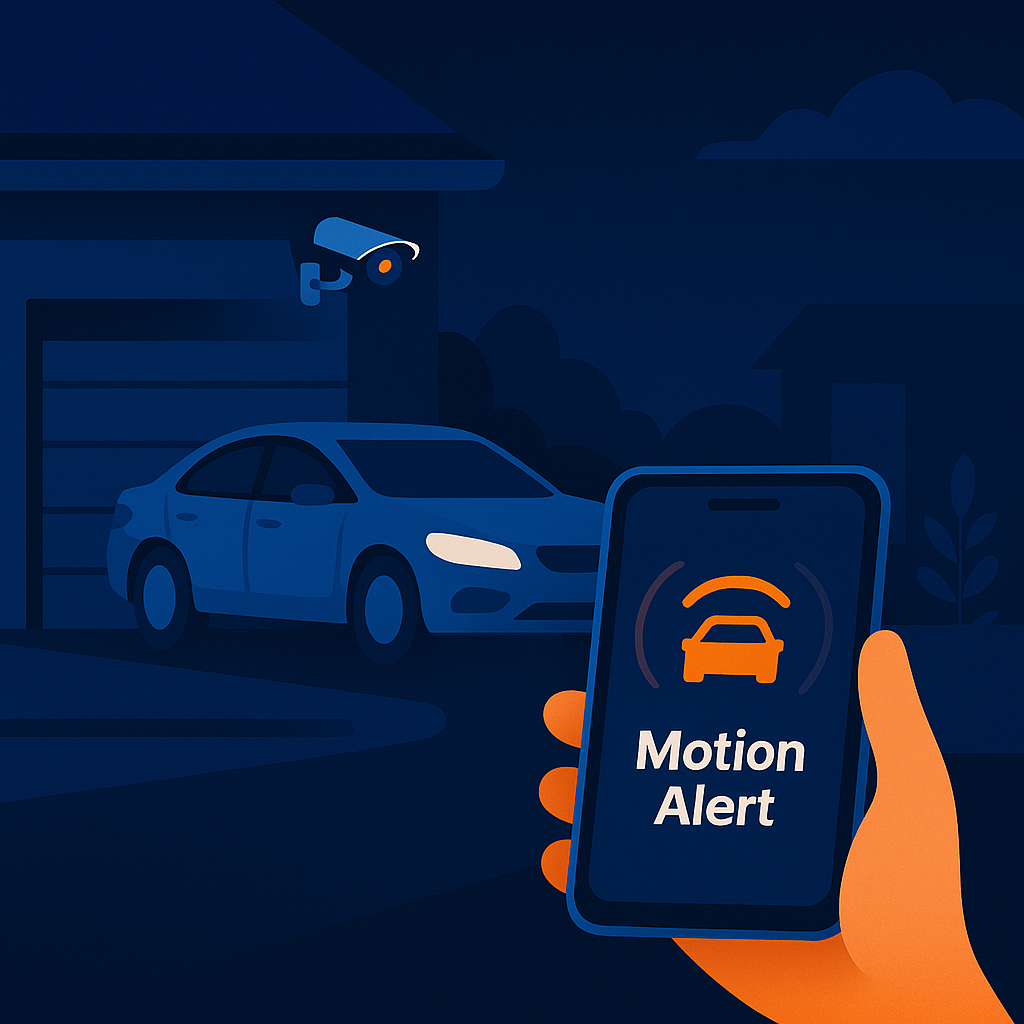
Know when vehicles arrive or leave your property with AI-powered vehicle detection.
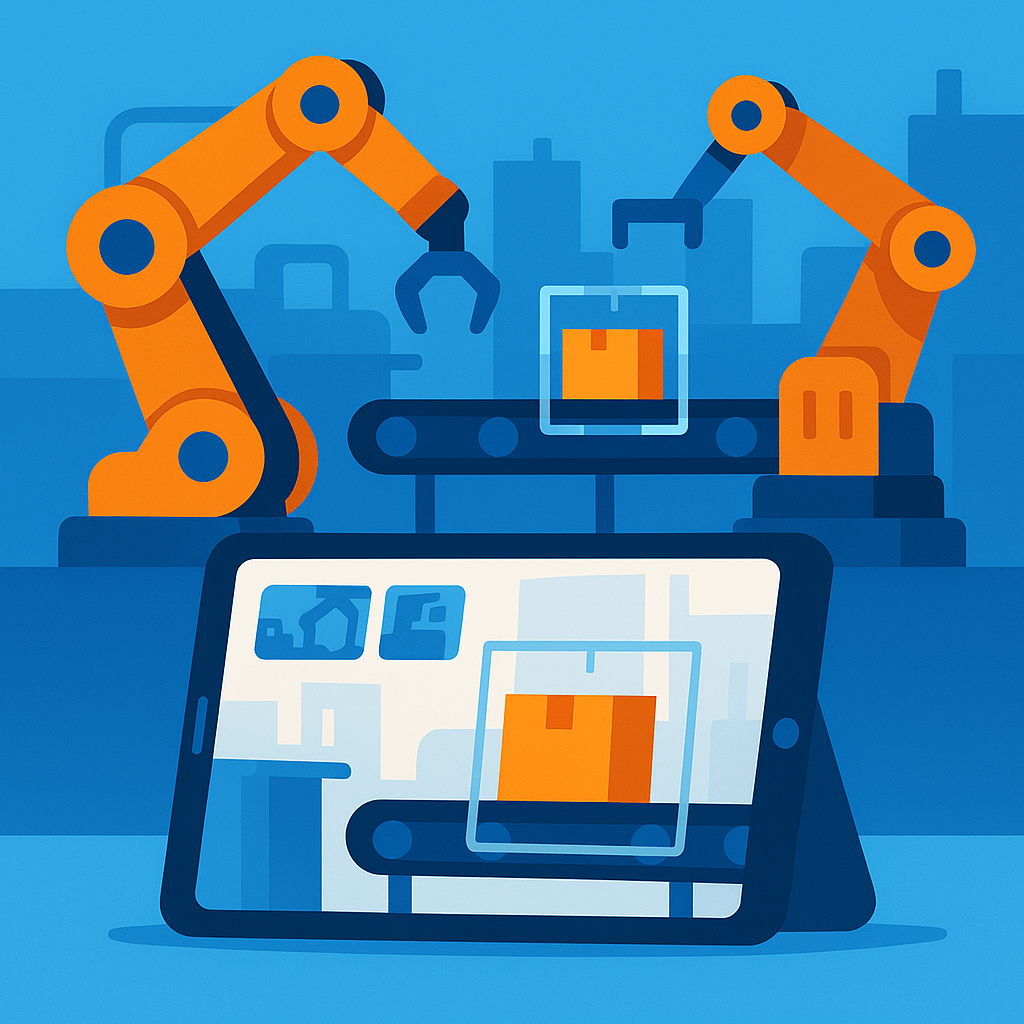
Monitor factories and warehouses with AI-powered automation detection and safety alerts.
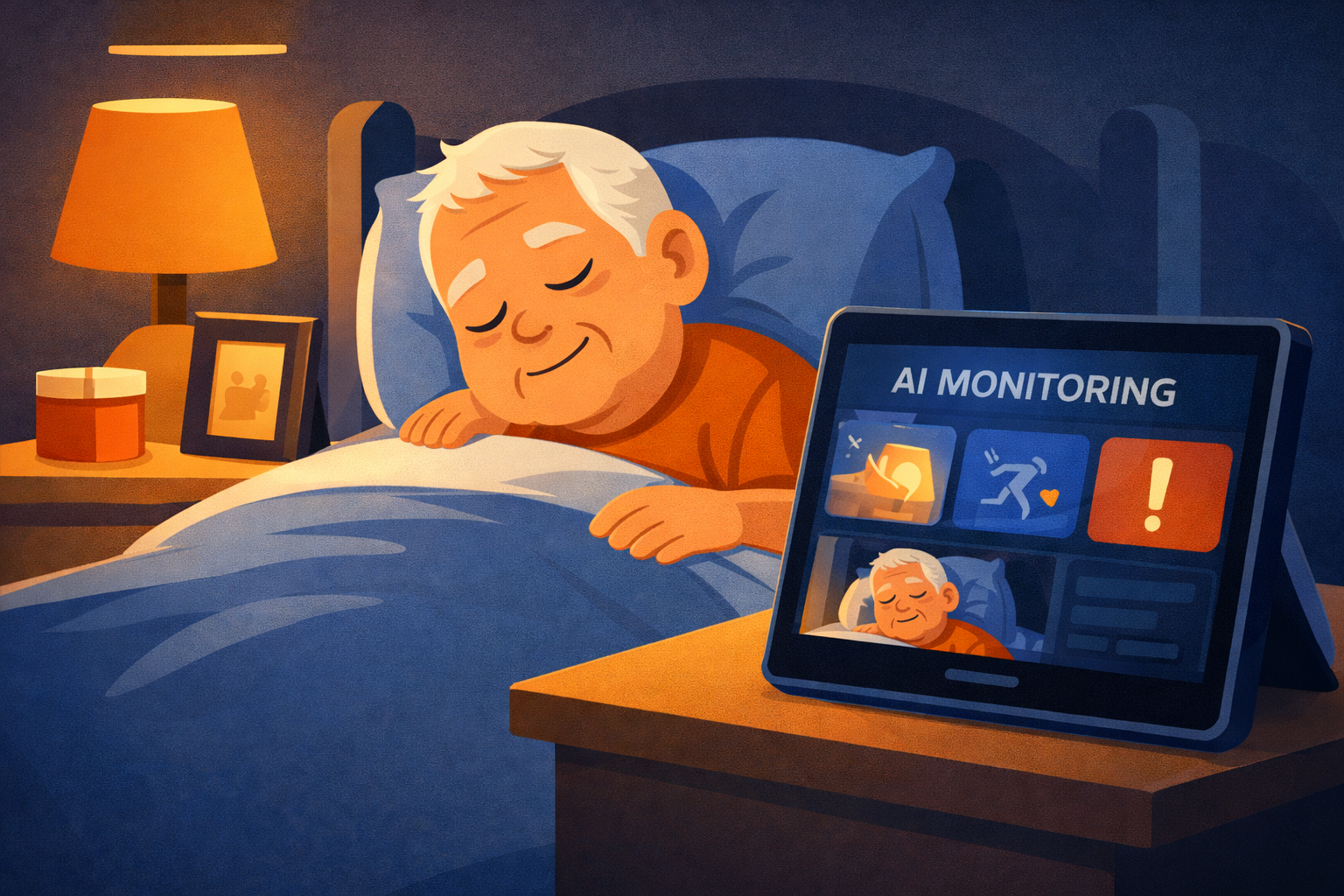
Keep an eye on elderly family members with sleep and activity monitoring for their safety.
Everything you need for intelligent surveillance
Get started in minutes
Download the app and sign up in seconds. One distinct account connects all your devices securely.
No hardware required
Grab your old phone and tap "Camera". Take your personal phone and tap "Viewer". They link automatically.
Pre-trained AI, no setup
That's it! You're live. Receive instant alerts for motion, people, and pets directly to your pocket.
Instant alerts, no delay
All video streams are encrypted using industry-standard TLS/HTTPS. We never store full video streams—they're processed in real-time and discarded.
We store event metadata (timestamps, detection types, AI analysis) and optional thumbnails/screenshots when events occur. No full video clips are stored.
Event history retention depends on your plan: 7 days (Free), 30 days (Premium), or 90 days (Business). After that, all data is automatically deleted.
You can delete your account and all associated data at any time from your account settings. Deletion is permanent and immediate—no backups retained.
Yes. Your early access perks will be honoured for life on your free device.
Full pricing will be announced later — beta users get exclusive perks.
Ocanom uses advanced AI models powered by Google Gemini to analyze video feeds in real-time. The system can detect motion, identify objects (people, vehicles, animals), and send instant alerts when specific events occur. All processing is handled securely, and full video streams are not stored—only event metadata and optional thumbnails.
You can use any smartphone, tablet, or computer with a camera. We also support RTSP cameras for professional installations. Simply add them as sources in the app. No special hardware is required.
Yes! The free beta plan includes 1 camera, but we are testing multi-device support. Early adopters help us shape these limits.
No special hardware is required. Ocanom works with any device that has a camera. For best results, we recommend using devices with good cameras and stable internet connections. Works with phones, tablets, RTSP cameras — set up in minutes.